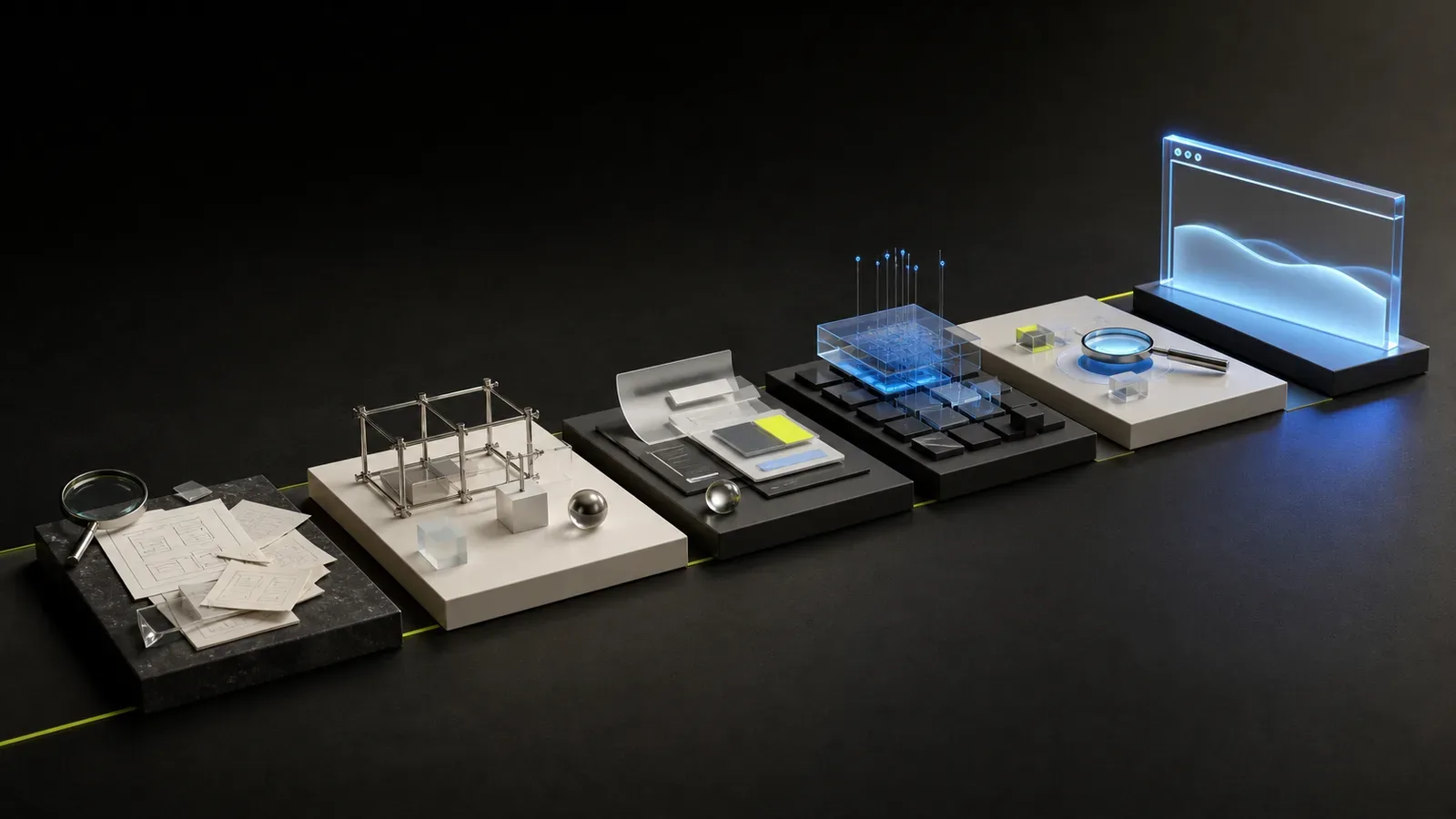
Website development is a sequence of decisions, and not a transition from a blank screen straight to design. Each stage reduces a certain risk: research helps not to make a mistake with the task, a prototype helps with the structure, testing helps with the operation of the finished product.
The process can be compact for a small landing page and detailed for a complex corporate website. But the logic remains the same: first it is determined what is being created and for whom, then a solution is designed, and only after that it is implemented.
1. Setting a business problem
The work begins not with a list of fashionable technologies, but with the result. A site can collect applications, explain a new product, build trust, reduce management workload, or consolidate disparate brand materials.
At the start it is useful to answer the following questions:
- who will use the site;
- what request does the person come with;
- what he must understand;
- what action is considered the main one;
- why the current website or other channel does not solve the problem;
- what restrictions are there on timing, content and technology.
If the goal is formulated only as “make it modern,” it will be difficult for the team to choose between solutions and evaluate the result.
2. Research
The depth of research depends on the project. For a small service, an interview with the owner and an analysis of direct competitors is enough. A complex product may require conversations with customers, sales and support.
At this stage we study:
- the product and its real advantages;
- audience segments;
- customer questions and objections;
- the path from first acquaintance to contact;
- competitor sites and industry habits;
- available materials and analytics of the old site.
The purpose of the research is not to compile a large report, but to obtain facts on which the structure and content will be based.
3. Site architecture
The architecture determines which pages are needed and how they are connected. The user must understand where he is, where he can go, and which section answers his question.
For a small website, the structure may consist of the main page, services, cases, information about the company and contacts. A product with multiple audiences will require separate scripts and landing pages.
At this stage, it is important not to create pages just for the sake of search terms. Each page must have its own purpose and content, otherwise similar URLs will start competing with each other.
4. Content and prototype
The prototype shows the order of meanings without a decorative layer. It shows where a title, evidence, image, form, or transition to the next section is needed.
Working on real content helps to notice problems earlier. If the value of a service cannot be articulated in a prototype, color and animation will not solve this uncertainty.
The prototype also allows you to agree:
- block priority;
- page length;
- main and additional actions;
- composition of the form;
- repeatable components;
- behavior of complex sections.
5. Visual concept
After agreeing on the logic, a visual language is formed: typography, color, composition, graphics, photographs and the nature of movement.
Usually one key page is worked on first. Here you can check whether the direction matches the brand and whether the real content stands up. Creating many disparate options rarely speeds up the process - it is more important to agree on the selection criteria in advance.
A good concept not only makes an impression, but also helps you read the interface. The user must distinguish between headings, actions, evidence, and background information.
6. Design system and adaptive
Once a direction is chosen, it becomes a set of rules and components. Buttons, fields, cards, navigation, indents and states of interactive elements are worked out.
Mobile screens are being designed at the same time. Sometimes the order of blocks is changed, complex compositions are simplified, and secondary actions go deeper. This is part of the design and not a technical adaptation after the layouts are completed.
The system reduces the number of random decisions and helps to add new pages after launch.
7. Development
At the development stage, components are assembled into a working website. A technology that is suitable for the task is selected: a content site does not always need a heavy client-side framework, but a complex service may require a full-fledged interactive architecture.
The work includes:
- adaptive layout;
- connecting content;
- forms and integration;
- animation;
- optimization of images and fonts;
- metadata and technical SEO;
- analytical events;
- error handling.
It is useful to check the design and code throughout the entire stage, and not just at the very end.
8. Testing
The readiness of the site cannot be determined by simply opening the main page on the developer’s computer. Different screen sizes, browsers and real-life scenarios are tested.
Minimum check includes:
- navigation and links;
- forms and error messages;
- mobile devices;
- keyboard control;
- contrast and readability;
- download speed;
- title, description and canonical;
- robots.txt and sitemap;
- transfer of events to analytics.
Special attention is required when migrating the old site. Valuable URLs should be saved or redirected with permanent redirects.
9. Launch
Before switching a domain, prepare production settings, a backup plan, and a list of control addresses. After publishing, forms, HTTPS certificate, server responses, indexing and analytics are checked again.
Launch is not the moment when a project stops requiring attention. In the first days, real devices, scenarios and questions may appear that were not encountered during testing.
10. Development after launch
The site begins to bring data only after users appear. It is useful to see from which pages requests come, what materials are read, where the path is interrupted, and what questions continue to be asked to managers.
Based on these observations, you can improve headings, add evidence, simplify forms, and develop popular sections. This approach is more reliable than regularly carrying out complete redesigns for no measurable reason.
Is it possible to execute steps in parallel?
Some jobs do overlap. While the content of one page is approved, the developer can prepare the basic components, and the designer can prepare the adaptive states of the agreed section.
But the order of cause and effect cannot be safely reversed. Development before understanding the structure creates rework, and the visual concept on random texts crumbles after the appearance of real content.
A good process doesn’t have to be long. It should give the team enough information for the next decision and not carry key uncertainty to the most expensive stage.